
Skip to content
Holt Systems

kVA demand charges: get a text before one half hour sets the month

We fit a power meter on your main board and text the shift lead when the current half hour is heading over target.

  • MeasureskW, kVA and power factor
  • AlertSMS before the half hour closes
  • Reads every1 to 5 minutes

Main board, half-hour kVA

Dashboard view

Projected now
405 kVA
Target
380 kVA
Power factor
0.93
335 370 405 Target 380 kVA 1:002:003:004:005:00 kVA
Example readings for illustration. The 5:00 bar shows the projection at 5:08 pm.

30 to 60%

NSW Government guidance reports peak demand charges can make up this share of a large site's bill, based on NSW grant data.

Source: NSW DCCEEW

5pm to 8pm

Ergon's tariff guide sets the peak demand window on weekdays for its large business time of use demand tariff (LTOUD).

Source: Ergon Energy Network

100 MWh a year

Ergon reports large customers using this much or more default to LTOUD with a smart meter.

Source: Ergon Energy Network

One bad half hour sets your demand charge for the month

Your kVA demand charges come from a single half hour. Ergon bills the highest 30-minute average at the connection point, once a month.

So it's the Monday restart that costs you. The compressors kick in, the ovens start heating, and nobody's watching the meter.

The bill shows the peak weeks later. By then the month's already locked in.

  • kVA includes reactive power, so a poor power factor lifts the charge without lifting your kWh.
  • Restarts often land right on 5pm, when the peak window opens.

What one Monday restart can cost you

  • Your worst half hour each month is a Monday restart at 400 kVA.
  • Normal running is 340 kVA.
  • Network rate is an illustrative $20 per kVA per month, not a published Ergon price.
  • Staggering holds the peak at 340 kVA in 10 of 12 months.
Peak avoided60 kVA
Illustrative rate$20 per kVA a month
Months avoided10

60 kVA x $20 x 10 months comes to about $12,000 a year of network demand charge avoided on these assumptions. Your tariff, season and site will change the real figure.

How the kVA demand charges warning works on your main board

Half-hour kVA demand charges on a factory main board A bar chart of 30-minute kVA demand on a factory main board from 1pm to 8pm. Bars from 1pm to 5pm sit between 330 and 350 kVA, below a target line at 380 kVA. The weekday 5pm to 8pm window is shaded. The half hour starting at 5pm is projected to reach 430 kVA, crossing the target line, because the compressor bank and oven start together. Below the chart the alert path runs from a power meter with current transformers on the main board, to a site gateway, to 4G or Starlink backhaul, to an SMS or email to the shift lead, with a warning at 90 percent of target and urgent at 100 percent. Half-hour kVA, factory main board Each bar is a 30-minute average Peak window 5pm to 8pm Target 380 kVA Projected 430 kVA 0 200 1pm 3pm 4:30pm 5pm 7pm Compressor bank and oven start together at 5pm Alert path Power meter and CTs, main board Site gateway near the board 4G or Starlink backhaul SMS or email to the shift lead Warn at 90% of target, urgent at 100%
A day of half-hour kVA bars from 1pm to 8pm with the 380 kVA target line and the 5pm to 8pm peak window shaded, then the alert path from the main board power meter to the gateway, Starlink or 4G, and an SMS to the shift lead.
  1. 1

    A power meter reads the main board

    Current transformers and voltage taps sit downstream of the utility meter and read kW, kVA and power factor.

  2. 2

    A node sends it every few minutes

    A LoRaWAN node reads every 1 to 5 minutes and sends by radio to a gateway near the board.

  3. 3

    The system projects the half hour

    It works out where the current half hour will finish, using the kWh so far and the load right now.

  4. 4

    The shift lead gets a text

    At about 90% of target you get a warning. At 100% you get an urgent one, in time to delay a start.

What we put on your main board

  • Three-phase power meter

    Reads kW, kVA and power factor on the main board, downstream of the utility meter.

    Reads every 1 to 5 min

  • Load clamps (optional)

    Sit on the compressor bank, ovens and pumps so an alert shows which loads were running.

    One clamp per big load

  • LoRaWAN node

    Takes the meter readings and sends them by radio, with a buffer if the link drops.

    Buffers readings offline

  • Site gateway

    Sits near the board, collects the readings and passes them on to your phone.

    Mains power, battery backup

  • 4G backhaul

    A second path out, so the warning still works if the site network drops.

    Starlink where 4G is weak

What lands on the shift lead's phone

We set the targets from your bills and interval data, then tune them as the bills arrive.

Demand alerts
  1. Mon 5:08 pm

    Main board half hour projected 405 kVA, target 380. Compressors and oven both running. Hold the next start.

  2. Mon 5:14 pm

    Urgent: projected 392 kVA, target 380. Drop a non-critical load before 5:30.

  3. Mon 5:31 pm

    Half hour closed at 366 kVA, under target. Highest so far this month: 371 kVA.

Messages go to the people you nominate, by SMS to any phone.

Messages go to the people you nominate, by SMS to any phone and by email, with the reading and the time in every alert.

Reading the bill versus watching the half hour

TopicTodayWith monitoring
When you see the peakWeeks later, on the billInside the half hour, on your phone
Can you still actNo, it has already happenedYes, delay or stagger a start
Which load did itA guess from memoryClamps show what was running
Power factor faultsSpotted when kVA climbs on the billAlert when power factor drops

kVA demand charges on a plant main board

Compressors, ovens and pumps all want to start together after a shift change. Clamps show which one tipped the half hour.

Poor power factor lifts kVA without lifting kWh, so pair this with power factor correction failure alerts. Chasing air leaks? See compressed air leak monitoring.

For energy cost line by line, see sub metering. Running a gin? Read cotton gin demand charges.
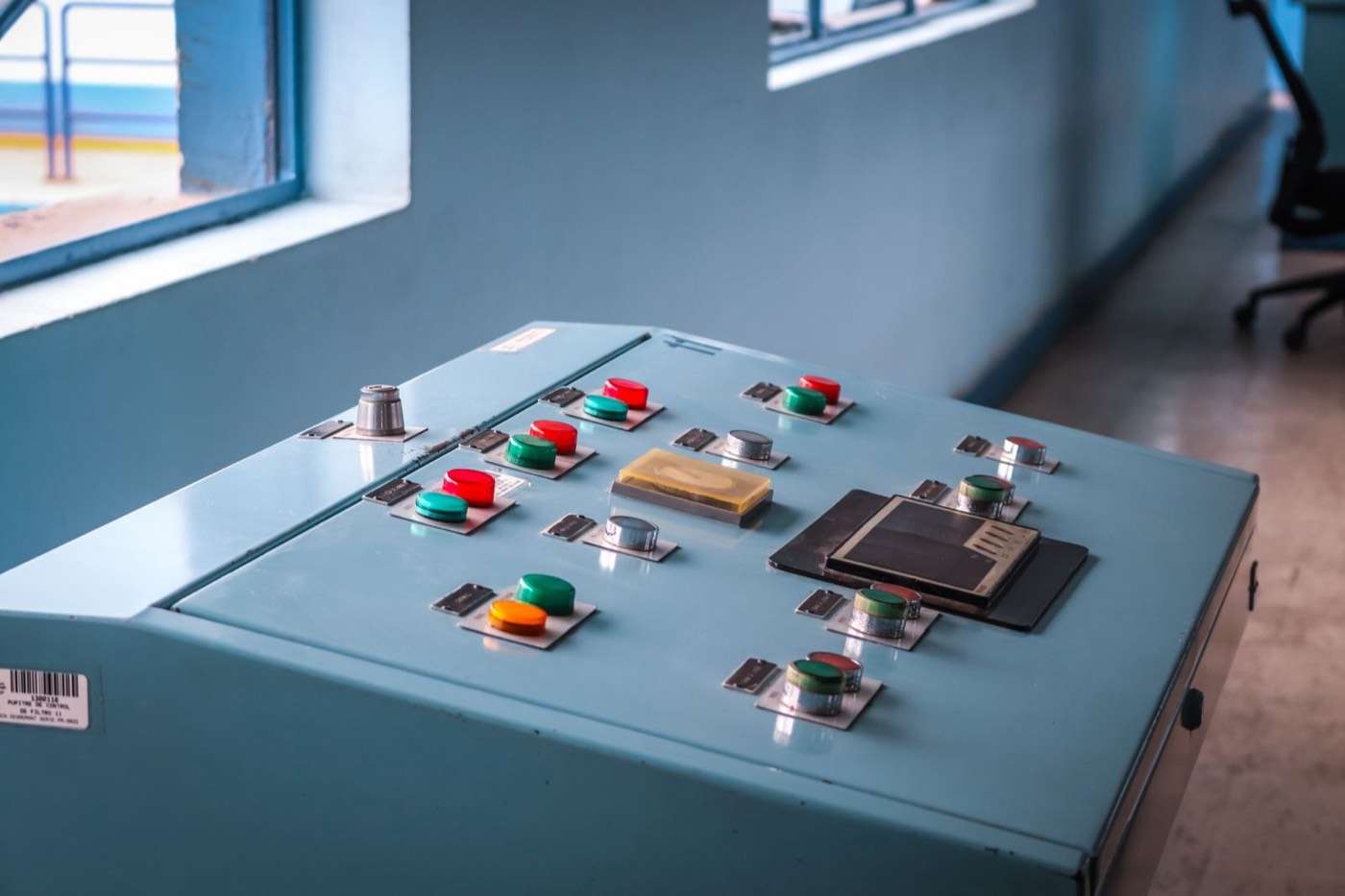
Control desk with push buttons and indicator lights
Illustrative photo. Photo: Fernando Narvaez on Pexels

What kVA demand charge monitoring costs

We fix the price after a short scoping call or site visit. It depends on the number of loads, the distance to the gateway and the backhaul. Ongoing support is available as a plan after handover.

Price a demand peak warning

The fixed price covers

  • Power meter, current transformers, node and sensors
  • Gateway and 4G or Starlink backhaul
  • Installation and electrical work under licence 1513082
  • Alert set-up and targets from your interval data
  • Commissioning against your retailer's interval data, and shift lead training
  • An ongoing support plan: we keep it running and tune targets as bills arrive

What this won't do

  • It sends alerts and records. It doesn't shed load, and it isn't a kVA demand controller.
  • Readings are indicative and won't match your billing meter exactly. We compare them during commissioning.
  • It can't see a spike inside one minute, like a direct-on-line motor start.
  • An alert only helps if someone acts on it. It doesn't replace your protection relays or safety systems.

With you every step

We start with your tariff, your bills and the loads that start together.

  1. 1

    Discovery

    We look over your tariff, bills, interval data and main board, then pick the meter and gateway spots.

  2. 2

    Design

    You get a fixed price, the alert targets we suggest from your interval data, and who gets notified at each level.

  3. 3

    Build and test

    We build and test the meter, node, gateway and alert texts off site first.

  4. 4

    Install and commission

    Our licensed electricians fit the meter, set up backhaul, then compare readings with retailer interval data for several days.

  5. 5

    Ongoing support

    We show shift leads what each alert means. We keep supporting the system and revisit targets as bills arrive.

Why Holt Systems

We design, install and commission every system ourselves, then look after it with an ongoing support plan. Monitoring supplements the site's own control, protection, fire and safety systems; it does not replace them.

Alerts
SMS to any phone, no app
Based in
Brisbane, QLD
Electrical licence
QLD 1513082
After install
Ongoing support plans
Call
07 2150 3666

kVA demand charge questions

Is demand billed in kW or kVA?

It depends on your tariff. Ergon's 2026-27 Tariff Guide lists a monthly charge per kVA for many large customers and per kW for some. Check your bill. We read kW, kVA and power factor, so either basis can be tracked.

Will the readings match my bill exactly?

No. Our readings are indicative and the interval has to line up with the meter clock. During commissioning we compare them with your retailer's interval data so the targets reflect what the bill will show.

Can this switch off loads automatically?

No. It sends alerts and keeps records, and it doesn't control equipment. Automatic load shedding is a control change that needs its own design and sign-off. We can scope that separately where it makes sense.

How much does demand charge monitoring cost?

It depends on how many loads you want clamped, the distance to the gateway and the backhaul. We don't publish a figure. After a scoping call or site visit you get a fixed price, with ongoing support as a plan.

What if the internet connection drops?

The node and gateway keep the readings, but alerts pause until the link returns. We suggest 4G as a second path next to the site network, so the warning still gets out.

Price a demand peak warning

Tell us what you need to watch and where. We confirm the sensors, gateway location and alert recipients, then give you a fixed price.

Or email hello@holtsystems.com.au

Your details are handled in accordance with our privacy policy.

  1. 1

    Tell us about the site

    A few lines on the assets, distances and what you need to know about.

  2. 2

    A call to scope it

    We confirm the sensors, gateway location and alert recipients, and whether a site visit is needed.

  3. 3

    Fixed price

    You receive a defined scope and a fixed price before any work starts.